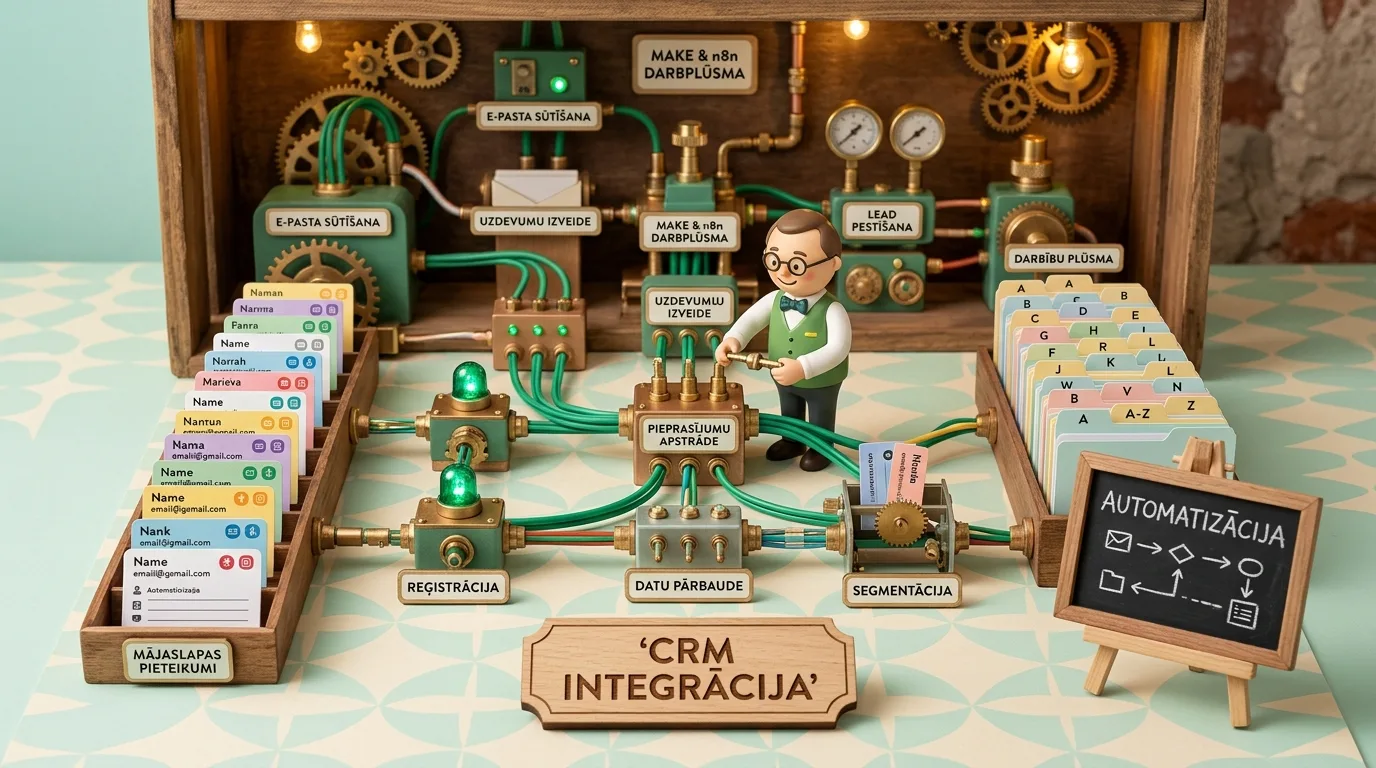
In most companies, the path of a website lead to the sales team still resembles last century's postal service: a customer fills out a web form, a notification arrives in a shared email inbox, and at best, an assistant manually copies it into an Excel spreadsheet or CRM system several hours later. Up to 30% of potential deals are lost in this chaos, while response times exceed 24 hours. By leveraging modern visual automation platforms like Make and open-source n8n, this process can be fully automated within seconds - from form submission to lead card creation, data enrichment, and instant task notifications on the salesperson's phone. In this guide, we reveal a reliable integration architecture without the painful hurdles of custom coding.
The First 5 Minutes: The Golden Rule in B2B Lead Processing
In sales psychology, hundreds of studies have been conducted on how fast customer interest cools down. The results are clear: if a company contacts a prospect within the first 5 minutes of form submission, the probability of closing the deal is 400% higher than if called after 60 minutes. After 24 hours, lead value drops close to zero because the prospect has already contacted competitors or postponed their decision.
The human factor cannot guarantee this speed: sales managers are in meetings, at lunch, or busy with other calls. The only way to guarantee lightning-fast response times is reliable business process and CRM integration with Make and n8n systems, taking over technical routine tasks and placing a fully qualified call directly into the seller's hands.
To ensure this chain operates seamlessly, the lead journey is synchronized with an automated email lead nurturing system that sends the client an instant confirmation and relevant materials while the salesperson prepares for the call.

"The biggest enemy of sales isn't bad advertising - it's a broken data pipe between the website and the CRM. When business owners complain that 'marketing brings low-quality leads', we often discover that 40% of incoming leads simply sit unread in email inboxes for 3 days. Automation with Make or n8n isn't expensive programming: it's visual logic that eliminates human oversight within hours and elevates sales efficiency to a whole new level."
Make vs n8n: Which Platform Should You Choose for Your Business?
Today, visual no-code integration platforms have replaced months of custom developer work. Two leading industry solutions are Make (formerly Integromat) and n8n. While both tools perform similar tasks, their architecture and best use cases differ:
Make Advantages (Cloud Service with Thousands of Integrations): Make is the best choice for marketing and sales teams requiring a fast start. It features a visually intuitive interface, native connections to over 1,800 popular applications (HubSpot, Pipedrive, Google Sheets, Telegram, MailerLite), and requires no server maintenance.
n8n Advantages (Full Data Control and Self-Hosting): n8n is an open-source platform that can be installed on your private server (Self-Hosted). This ensures company customer data never leaves your controlled infrastructure - critical for GDPR compliance, healthcare, financial, and legal firms. Additionally, the self-hosted version has no execution volume limits and handles complex data arrays with native JavaScript code.
The Universal 5-Step Fail-Safe Integration Blueprint
To build a resilient integration that does not break on the first non-standard phone number or unexpected payload, we deploy a proven 5-step architecture:
1. Instant Webhook: The website lead form (such as Gravity Forms, Elementor, or a custom JavaScript calculator) triggers a direct Webhook request rather than sending a delayed email. Make or n8n receives the data payload in under 200 milliseconds.
2. Data Cleaning and Formatting (Data Sanitization): Whitespace is trimmed, names are properly capitalized, and phone numbers are standardized to international format (+371...), preventing dialing errors in CRM telephony systems.
3. Duplicate Verification in CRM: The system first verifies whether a customer with that email or phone number already exists in the database. If known, no duplicate contact is created; instead, a new Deal is attached and communication history is updated.
4. Deal Creation and Lead Assignment: A new card is created in the appropriate pipeline stage inside the CRM (e.g., Pipedrive or HubSpot), and assigned to an available sales representative via a Round-Robin algorithm considering working hours and availability.
5. Instant Team Channel Notification: An interactive notification is dispatched to the sales team's Telegram group or Slack channel with the lead's name, requested service, and a direct link to the CRM record, allowing single-tap dialing.
Data Enrichment Before the First Call
One of the most powerful automation capabilities is automated lead profile enrichment (Data Enrichment). The moment a prospect enters just their company name and business email into a form, the Make or n8n workflow can automatically query enterprise databases or public registers.
By the time the sales manager opens the CRM record, the system has automatically attached: company registration number, NACE industry code, employee headcount, and legal address. The account executive calls the prospect not as a blind interviewer, but as an informed partner who already understands the client's scale and requirements.
Team Notification Ergonomics in Telegram and Slack Channels
Notification UX in sales communication channels is critical. If a salesperson receives a plain text message reading 'New website lead', they have to open a computer, log into the CRM, and search for the phone number. This friction delays response time by 10 to 15 minutes.
A properly configured Telegram or Slack bot sends an interactive action card: the lead's name and company are highlighted at the top, project budget or needs in the middle, and two prominent buttons at the bottom: 'Call Client' (which opens the dialer app on mobile) and 'Open CRM Record'. This removes friction and enables conversation kickoff in under 60 seconds.
Manual Processing vs Automated Workflow Comparison
Let's examine daily operations across two company models and how lead processing efficiency differs:
| Parameter | Manual Lead Processing via Email | Automated Make / n8n Workflow |
|---|---|---|
| Notification Speed | 15 minutes to 4 hours (dependent on employee availability) | Under 3 seconds directly on seller's mobile device |
| CRM Data Entry | Manual copy-pasting (frequent typos) | 100% automated, standardized, error-free |
| Duplicate Control | None (causes operational chaos and double calls) | Smart deduplication and deal merging |
| Lost Leads | Frequently trapped in spam or forgotten | 0% data loss with secure error logging |
| Ad Campaign Feedback | Ad accounts receive no purchase conversion data | Data sent back as offline conversion events |
| Customer Satisfaction | Low (slow response creates distrust) | High (instant attention and accurate insights) |
Connecting Offline Conversions Back to Ad Platforms
When a lead automatically enters the CRM and a deal closes a month later, automation does not stop there. Make or n8n can detect payment confirmation in the accounting software and automatically post conversion value and gclid tokens back to Google Ads.
This closes the data loop, enabling advertising algorithms to learn and optimize ad spend strictly toward queries that generate real revenue in the bank account - as covered in detail in our guide on importing Google Ads offline conversions from CRM systems. Simultaneously, the lead can be automatically enrolled into an appropriate B2B service email lead nurturing sequence for seamless post-sale onboarding.
Error Handling and Resilience Buffers
The most common mistake automation beginners make is assuming that all servers and API endpoints operate perfectly 100% of the time. If the CRM experiences temporary downtime while Make attempts to send data, the lead could be lost.
Professional system architecture mandates Error Handlers. If the primary CRM API throws an error, Make or n8n automatically backs up the payload into a secondary Google Sheets fallback, dispatches an emergency notification to the administrator, and automatically retries the payload execution after 15 minutes. This guarantees absolute data integrity even during global service outages.
5-Step Implementation Plan for Lead Automation
To implement a modern lead handling infrastructure in your business, follow this roadmap:
- Audit website forms and input fields: Ensure forms collect essential data and support direct Webhook dispatch.
- Build Make or n8n workflows: Connect a Webhook listener node and test real-time payload reception.
- Configure data cleaning and validation logic: Standardize phone numbers and emails to eliminate formatting errors.
- Integrate CRM deals and team notifications: Route leads into sales pipeline stages and trigger instant Telegram or Slack notifications.
- Test error handlers and backup storage: Simulate API failures to ensure 100% data retention and fallback execution.
Sales Automation Readiness Checklist
Frequently Asked Questions About Make and n8n Integrations
How much does running Make or n8n cost for a small business?
For a small business processing a few hundred leads per month, Make's free or basic plan (around €9/month) completely covers operational needs. If choosing open-source n8n, the software itself is free, and the only cost is virtual server hosting (typically €5 to €10/month), making it an extraordinarily cost-effective investment.
Do I need a developer to set up these integrations?
Make and n8n are visual platforms where workflows are built using visual connection blocks. Standard integrations do not require programming skills. However, if you require complex data transformations, custom security algorithms, or non-standard API connections, involving a systems architect guarantees long-term stability and security.
Is data transfer via Make compliant with GDPR regulations?
Yes, Make provides data hosting and processing on European Union servers (EU region) and ensures full GDPR compliance with available Data Processing Agreements (DPA). If your company maintains strict internal security policies, self-hosted n8n on your own server guarantees 100% data isolation.
What if my website form plugin does not support webhooks natively?
Most modern form plugins (Contact Form 7, WPForms, Gravity Forms, Elementor) offer free or low-cost Webhook add-ons. If a plugin lacks native support, data can be captured using a simple 5-line JavaScript snippet upon form submission, or an email parser can serve as a temporary bridge.
How are API keys and access credentials protected in automation tools?
Both Make and n8n utilize strict encryption (AES-256) for all stored credentials and API tokens. For optimal security, we always recommend using OAuth 2.0 connections or creating dedicated service users in your CRM with restricted permissions, rather than using main administrator credentials.