In 2026, automated pricing algorithms and AI agents require even more precise human oversight and value-based data from actual CRM revenue. Learn more in our Google Ads campaign audit.
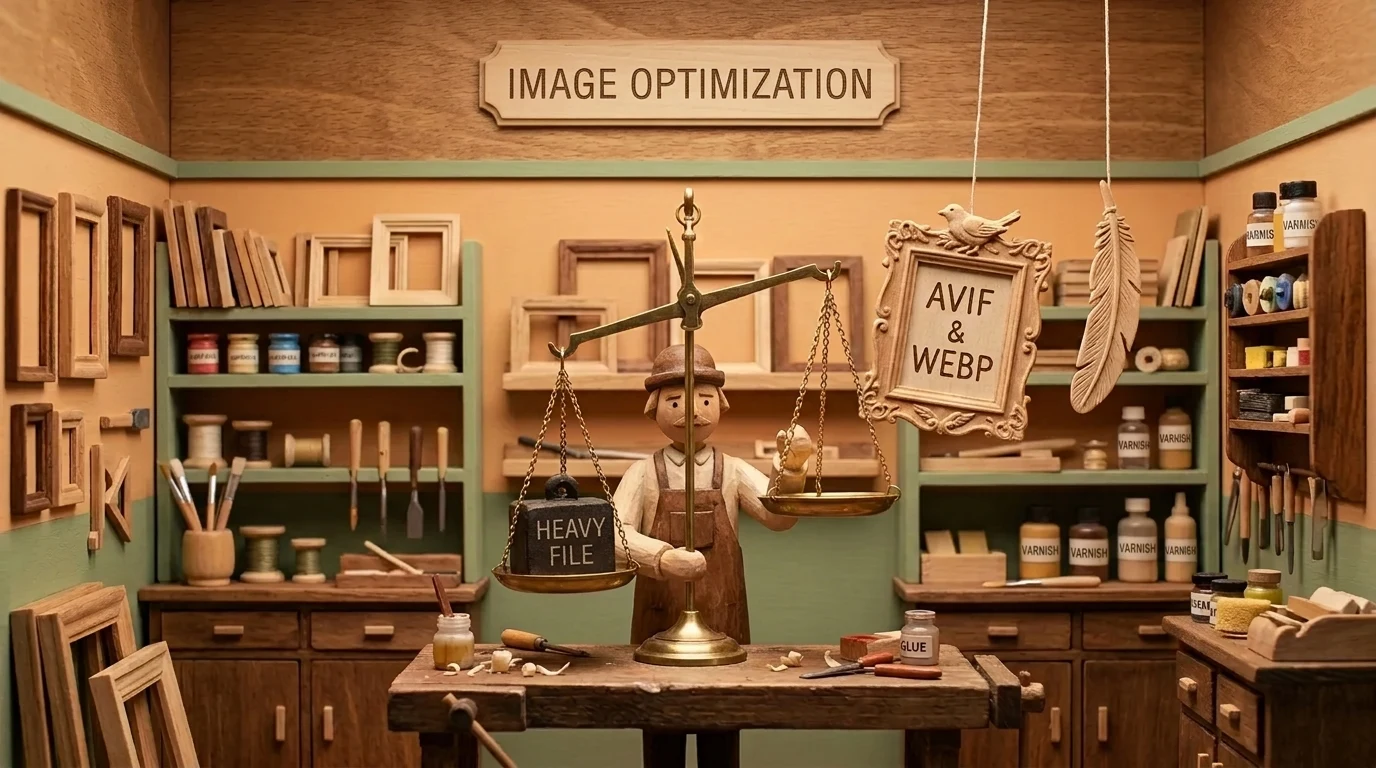
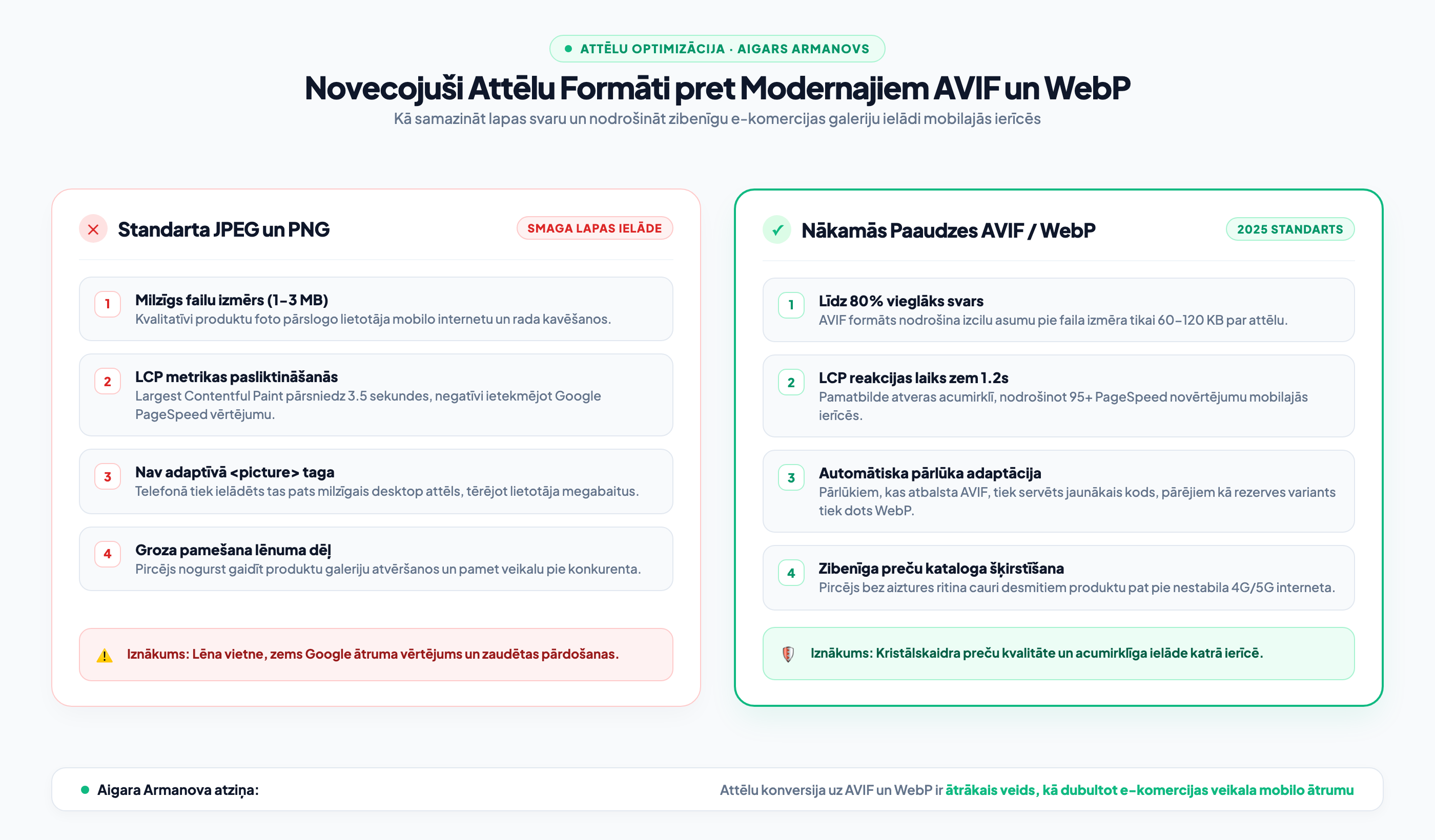
Image optimization remains the primary bottleneck for e-commerce and corporate website performance. Most online stores continue to load 2 MB to 4 MB heavy JPEG and PNG images, which block mobile browsers and ruin the Largest Contentful Paint (LCP) score. Next-generation formats AVIF and WebP offer up to 80% better compression at identical visual quality. In this article, we explore how to correctly implement the AVIF format with automatic browser support.
Why AVIF is the new 2025 standard for visual content
AVIF (AV1 Image File Format) is an open-source format based on the modern AV1 video codec. Compared to WebP, AVIF offers 20% to 30% smaller file sizes for high-contrast images and fine details. Furthermore, it supports 10 and 12-bit color depth and HDR, making product photos exceptionally deep and natural.
As part of our website modernization and speed solutions, we implement adaptive image serving that automatically detects the visitor's screen resolution and browser-supported formats.
HTML5 <picture> tag architecture and fallback options
Although all modern browsers (Chrome, Safari, Firefox, Edge) already fully support AVIF, correct architecture provides for a graceful degradation path:
<picture>
  <source srcset="photo.avif" type="image/avif">
  <source srcset="photo.webp" type="image/webp">
  <img src="photo.jpg" alt="Product description" loading="lazy" width="800" height="600">
</picture>
This structure ensures that every user receives the lightest possible file while preventing empty spaces from appearing on older devices. Combined with modern website development, this guarantees a 95+ PageSpeed score.

"In online stores, 70% of the total page weight is made up of images. If heavy JPEG or PNG files are used in product galleries, the mobile shopper leaves for a competitor before the page even opens. Switching to AVIF and WebP reduces page weight by 4 times without any visible loss of sharpness."
Impact on Google PageSpeed and conversion rates
As we described in our study on Core Web Vitals and usability metrics, the Largest Contentful Paint (LCP) is usually directly dependent on the loading of the banner or the main product image. By reducing the image weight from 1.8 MB to 90 KB, the LCP time decreases from 3.4 seconds to less than one second.
- Check page weight: Open the Network tab in your browser and see how many MB your images take up on your most important page.
- Format audit: Ensure that image URLs end in .avif or .webp, rather than massive .png files.
- Dimension attributes: Check that all <img> tags in the code have width and height specified to prevent CLS layout shifts.
Frequently Asked Questions about AVIF images
Does WordPress automatically support the AVIF format?
Yes, starting from WordPress version 6.5, the CMS natively supports AVIF file uploads and processing, provided that the appropriate ImageMagick or LibGD library is installed on the server.
Why not just reduce JPEG quality to 60%?
Low-quality JPEGs create unattractive artifacts, blurry text, and damage brand credibility. AVIF maintains sharpness and precise color transitions even at very high compression levels.
How do I convert thousands of existing e-store images to AVIF?
This is best done at the server level with an automated background script (CLI) or by using server-side real-time conversion, without overloading the administrator's daily workflow.
Want to ensure your Google Ads budget isn't wasted on empty clicks?
Request a 15-minute independent campaign audit. We will check your account architecture and uncover up to 30% savings potential.
Fixed budget. No hidden extra fees or forced services.