
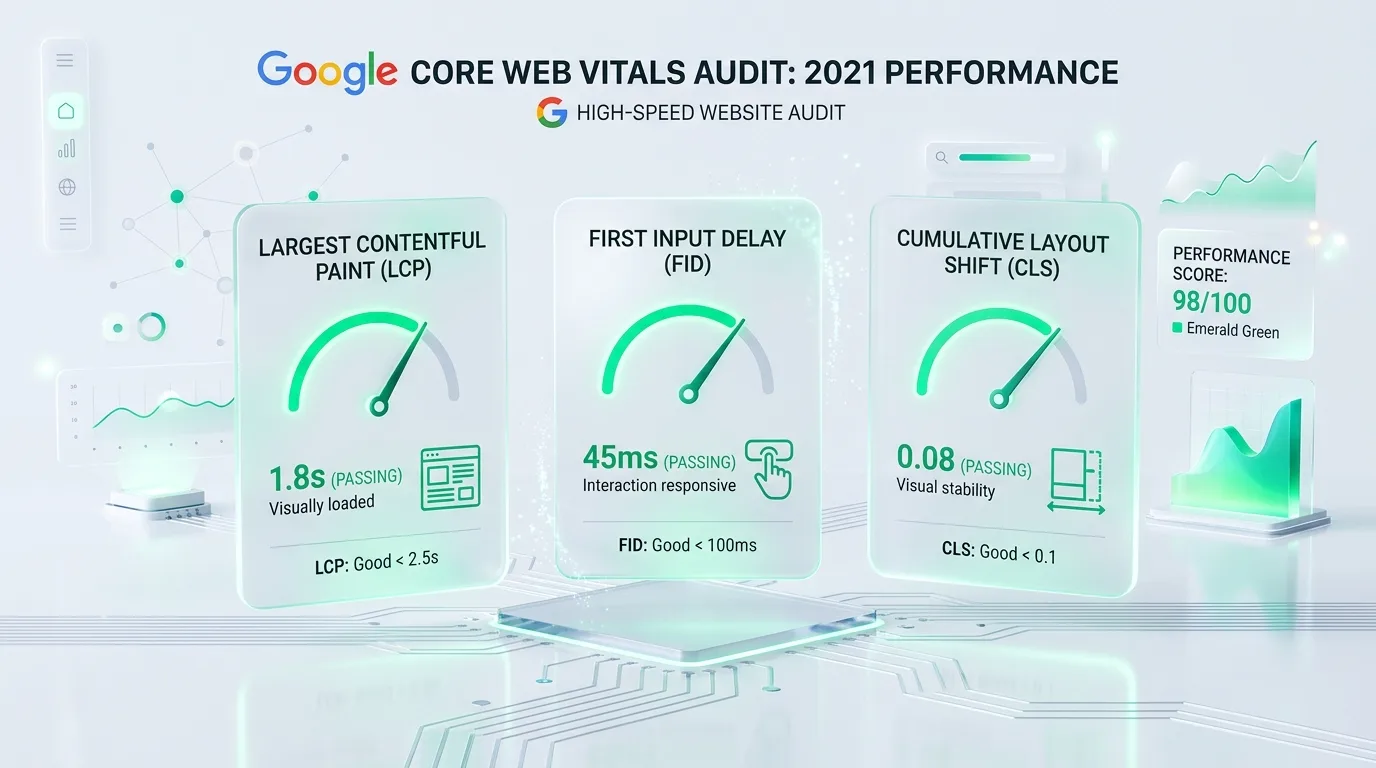
A historical guide from Spring 2021, written prior to the rollout of Google Page Experience. Today, Core Web Vitals are a fundamental technical requirement for every website. Pages developed by MarketMeNow consistently achieve 99-100 PageSpeed scores and LCP under 1.2s. If you want to test your site, request our Technical SEO Audit.
Key Takeaways
- New Official Ranking Factor: Google has confirmed that the Page Experience algorithm, centered on Core Web Vitals metrics, is a key ranking signal.
- Three Main Pillars: LCP (loading speed under 2.5s), FID (interactivity delay under 100ms), and CLS (visual stability under 0.1 points).
- Real User Data: Google's assessment is based on Chrome User Experience Report (CrUX) field data from the last 28 days, not just lab tests.
- Business Impact: Sites with high scores achieve better conversion rates, lower bounce rates, and a competitive advantage in organic search.
In late April 2021, Google released an official announcement: the long-awaited Page Experience algorithm update was set to roll out, marking a new era for web performance. This means businesses must conduct a Core Web Vitals technical audit to eliminate code inefficiencies that negatively impact search rankings.
Unlike many previous algorithm updates where the mechanisms were opaque, Core Web Vitals are completely transparent: Google provides specific numerical thresholds for three key user experience parameters. If your site meets them, it gets the green light in search results.
What are the three Core Web Vitals metrics?
Google engineers have defined three primary metrics that determine the actual user experience at the moment a page loads:
- Largest Contentful Paint (LCP) - Loading Speed: Measures the time it takes for the largest visible content block to be fully rendered on the screen (usually the main banner, product photo, or H1 text block). Target: less than 2.5 seconds.
- First Input Delay (FID) - Interactivity: Measures the delay from when a user first interacts with the page (clicks a button, link, or opens a menu) to when the browser is actually able to respond to that action. Target: less than 100 milliseconds.
- Cumulative Layout Shift (CLS) - Visual Stability: Measures unexpected layout shifts during page loading (e.g., when a user tries to click a button, but a banner suddenly loads and pushes the button down). Target: less than 0.1 points.
Metric Thresholds and Comparison Table
Here is how Google classifies page performance and the parameters that at least 75% of all visits must meet:
| Metric | Good Experience (Green) | Needs Improvement (Yellow) | Poor Experience (Red) | What is the root cause? |
|---|---|---|---|---|
| LCP (Loading) | Up to 2.5 sec. | 2.5 - 4.0 sec. | Over 4.0 sec. | Unoptimized large images, slow server response time (TTFB), blocking CSS/JS. |
| FID (Responsiveness) | Up to 100 ms | 100 - 300 ms | Over 300 ms | Excessively heavy JavaScript on the main thread that blocks the browser. |
| CLS (Stability) | Below 0.1 | 0.1 - 0.25 | Above 0.25 | Images and ad blocks without pre-defined width and height attributes. |
Official News: Google explains Page Experience implementation
Watch the official announcement from Google Search Central, where the update timelines and recommendations for site administrators are explained:
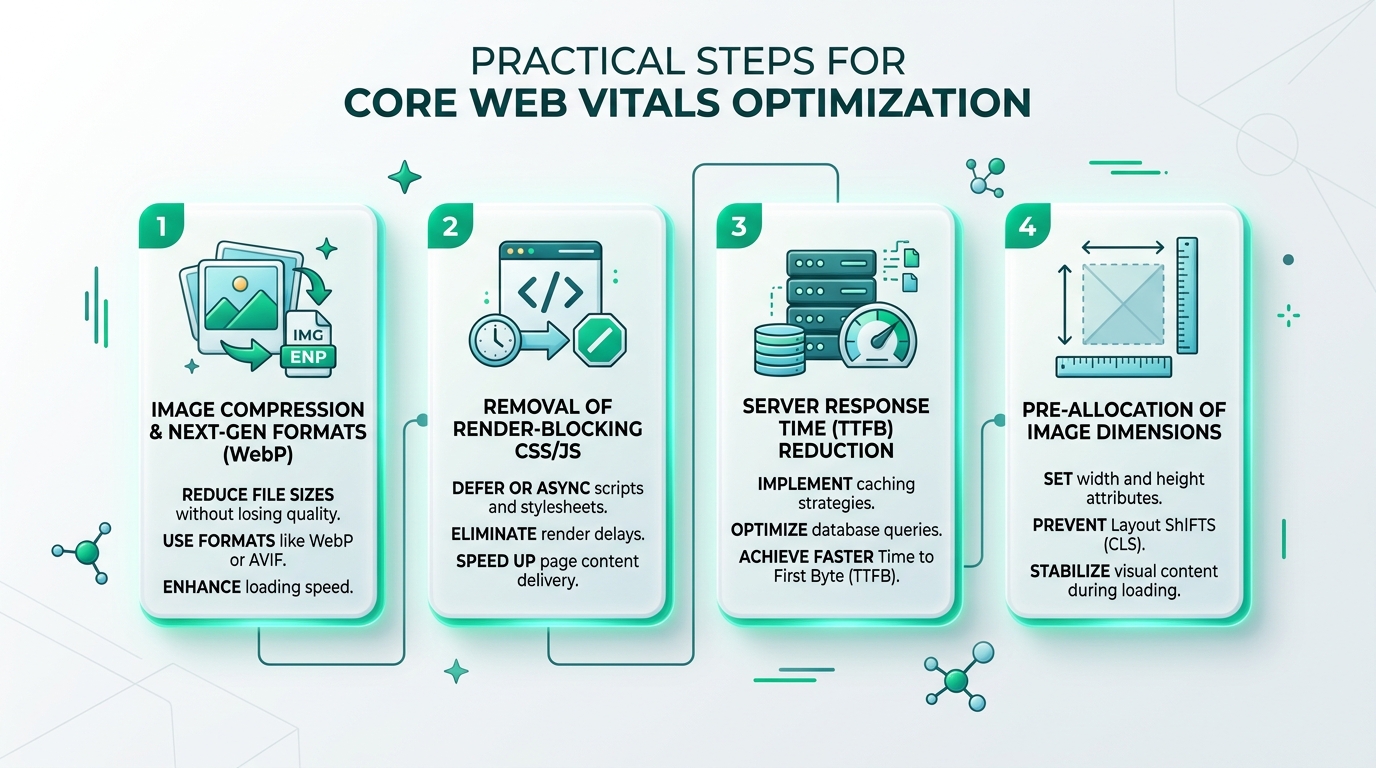
A 4-Step Practical Action Plan for Website Owners
To ensure your site successfully navigates the update, take the following technical steps:
- Convert images to WebP format and specify dimensions: Ensure all
<img>tags havewidthandheightattributes. This reserves the exact space in the page layout before the image downloads, completely preventing CLS shifts. - Defer non-essential JavaScript and CSS loading: Scripts that are not critical for rendering the first screen (e.g., chat widgets or analytics tags) should be loaded asynchronously (using
deferorasync). - Implement robust server-side caching: Reduce Time to First Byte (TTFB) to under 200 ms by using FastCGI caching, Redis object caching, and a Content Delivery Network (CDN).
- Regularly check Google Search Console: Monitor real field data for both mobile and desktop devices in the "Core Web Vitals" section.
Speed is the foundation for conversions and business growth
It is important to remember: Core Web Vitals is not just a technical SEO metric. Studies show that every second of delay reduces e-commerce purchases and increases bounce rates. If a company invests in advertising, such as Google Ads campaigns, a slow site directly increases the cost per acquisition. Therefore, modern web development and a comprehensive technical audit are critical investments that pay off in the long run with stable business returns.
Frequently Asked Questions (FAQ)
Do Core Web Vitals replace content quality ranking factors?
No. Google has repeatedly emphasized that content relevance and value to the user remain the most important signals. However, if two competing sites have equally good information, Core Web Vitals will be the deciding factor that determines which site ranks higher.
What is the difference between Field Data and Lab Data?
Lab data (e.g., Lighthouse tests in the browser) is obtained under controlled conditions with simulated network speeds. Field data (from CrUX) collects real user experience over the last 28 days on actual devices and internet connections. Google uses field data for ranking.
Why does my site show good results on desktop but poor on mobile?
Mobile phones have much weaker processors and often use less stable mobile internet (4G/3G). Powerful desktop processors can quickly execute heavy JavaScript code, while an average smartphone may be blocked for several seconds, resulting in poor LCP and FID scores.
How long does it take for Search Console results to update after fixing the code?
Since field data is collected as a 28-day rolling average, a full update in Search Console takes about 3 to 4 weeks after implementing fixes. However, improvements can be seen immediately in lab tests (PageSpeed Insights).
Want an independent Core Web Vitals and performance audit of your website?
We will check your site's loading speed, layout stability (CLS), and code cleanliness, providing clear technical recommendations.
Fixed budget. No hidden fees or forced services.