

The European Accessibility Act (EAA) sets strict requirements for digital services. Skip-to-content links, keyboard navigation (:focus-visible), text contrast, and full ARIA labeling are not only legal requirements but also improve site usability for every visitor. Explore our website modernization section.
Digital accessibility (a11y) was long considered a specific requirement applying only to government portals. However, the situation is changing rapidly. The European Accessibility Act sets strict rules for private sector websites, banking services, and e-commerce as well. A website that is not accessible to people with visual, motor, or cognitive impairments not only loses up to 15% of potential buyers but will also face legal risks in the future.
Key Takeaways
- Approaching Legal Requirements: The European Accessibility Act dictates that accessibility requirements become mandatory for the private sector and online stores starting from mid-2025.
- WCAG 2.1 AA Standard: The gold standard for digital accessibility includes four core principles: perceivable, operable, understandable, and robust.
- Accessibility as an SEO Booster: Logical heading hierarchy, image alternative texts, and clean HTML code help both visually impaired users and Google search algorithms.
- Quick Wins: More than half of all accessibility issues can be resolved through targeted steps like website restoration and code fixing: adjusting color contrasts, form field labels, and focus styles.
What is WCAG and the Four Pillars of Accessibility (The POUR Principle)
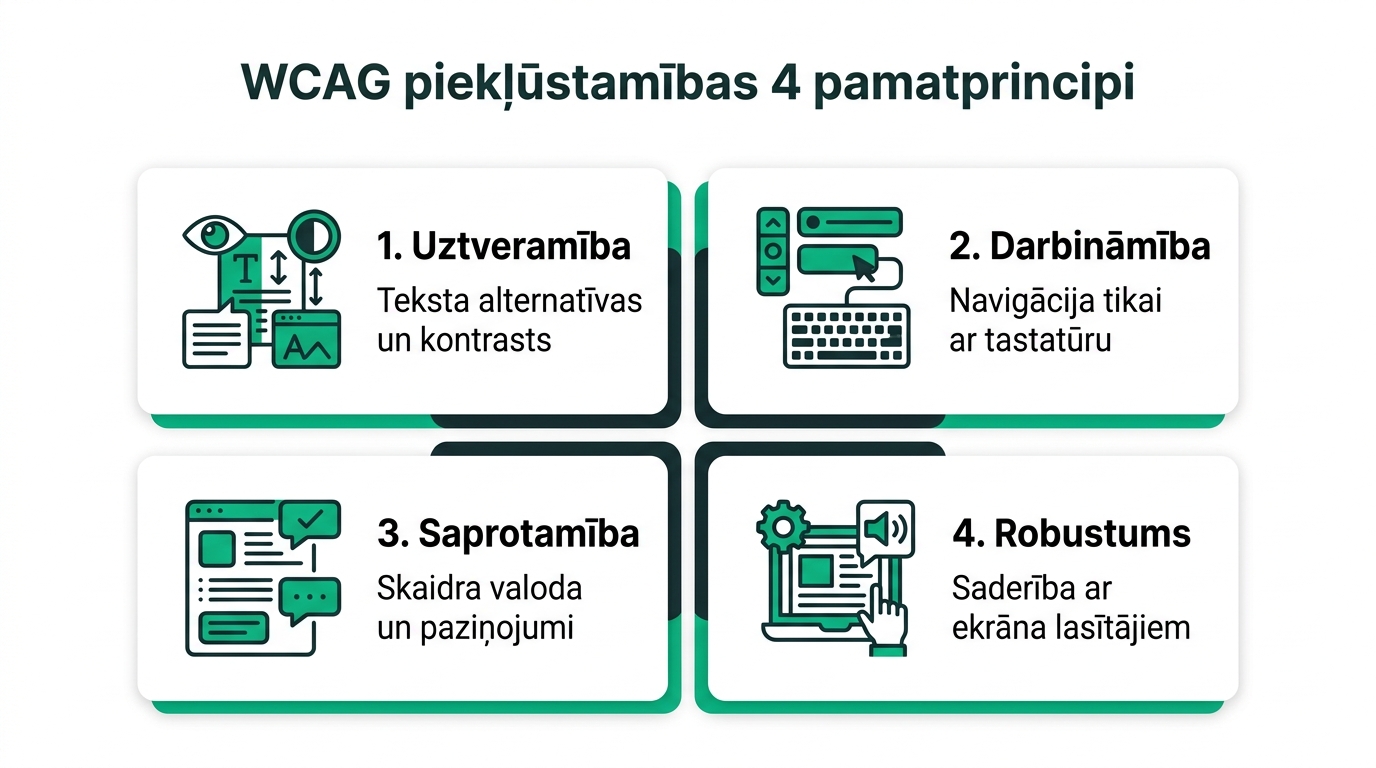
The Web Content Accessibility Guidelines (WCAG 2.1) are based on four fundamental principles:
1. Perceivable: Information and user interface components must be presented in ways users can perceive. This means sufficient color contrast, subtitles for video materials, and text alternatives for images.
2. Operable: All interface functions must be easy to operate. The website must allow full navigation using only a keyboard, which is thoroughly verified through user behavior and UX analytics (using the Tab key), without requiring a mouse.
3. Understandable: Information and the operation of the user interface must be clear and predictable. Form error messages must accurately explain exactly what needs to be fixed.
4. Robust: Content must be robust enough to be interpreted reliably by a wide variety of user agents, including screen readers and other assistive technologies.
Practical Checklist for Improving Website Accessibility
Audit your website against these five critical points:
| Element | WCAG Requirement | Common Mistake | Solution |
|---|---|---|---|
| Color Contrast | Text against background must be at least 4.5:1 (3:1 for large text) | Light gray text on a white background for design aesthetics | Increase text darkness to meet tested contrast ratios |
| Image ALT Texts | All meaningful images must have a descriptive alt attribute | Empty alt tags or meaningless keyword lists | Briefly and accurately describe what is visible in the image |
| Keyboard Focus | Interactive elements must have a clear focus outline | CSS code containing 'outline: none;' | Keep visible focus indicator (:focus-visible) |
| Form Input Fields | Each input field must have an associated | Using only placeholder text that disappears upon typing | Add a clear text label above the input field |
| Button and Link Names (as explained in our guide on website navigation structure and UX) | Link text must clearly indicate its destination | Links named 'Read more' or 'Click here' | Specific text, for example, 'View service pricing' |
How to Test Your Website Accessibility Today
Several free tools are available for assessing accessibility:
WAVE Web Accessibility Evaluation Tool: A browser extension that visually highlights contrast errors, missing alt tags, and interface structure defects directly on the page.
Google Lighthouse (Accessibility Section): A built-in audit tool in Chrome that provides an overall score from 0 to 100 within seconds.
Manual Keyboard Test: Put your mouse aside and try navigating through the entire purchase or application process using only the Tab and Enter keys. If the cursor disappears at any point or you cannot open a menu, accessibility is broken.
Frequently Asked Questions
Do accessibility requirements apply to small businesses?
Although some directives provide exceptions for micro-enterprises, ensuring accessibility is best practice for everyone because it directly improves user experience and conversion rates.
Do automated accessibility overlay widgets solve all problems?
No! Accessibility experts and global case law warn that these widgets do not fix underlying code and HTML semantic flaws, and they often interfere with screen readers.
How does accessibility help search engine optimization (SEO)?
Search engine bots are essentially blind users: they read a page the same way a screen reader does. Thoughtful semantic structure and alt texts directly support better indexing.
Conclusions and Next Steps
An accessible website is not an extra burden, but a core feature of modern web development. Start by checking contrast, organizing form fields, and ensuring that every visitor can easily use your services regardless of their device or capabilities.
Want to prepare your website for the European Accessibility Act and WCAG requirements?
Book a 15-minute accessibility audit consultation. We will check your website contrast, navigation, and keyboard support.
Fixed budget. No hidden extra fees or forced services.