

The suite of free Google tools (Search Console, GA4, PageSpeed Insights, Rich Results Test) has become the foundation for modern GEO (Generative Engine Optimization) diagnostics: search agents evaluate semantic markup and Core Web Vitals as primary signals for including pages in AI-generated answers. See our technical SEO audit services.
There is a common misconception in the SEO industry that you cannot perform high-quality website optimization and ranking audits without expensive monthly subscriptions. While paid tools provide valuable competitor data, the best, most reliable, and indisputable source of data regarding your site's health comes directly from Google itself. The search giant has created a range of free diagnostic instruments that allow you to see exactly how the algorithm crawls, indexes, and evaluates your content. Here are the seven most important tools that should be in every website owner's arsenal.
Key Takeaways
- Search Console as the backbone: The only tool that shows real keywords, positions, and click counts directly from Google search results.
- PageSpeed Insights and real-world data: Displays actual Core Web Vitals measurements from real Chrome users over the last 28 days.
- Google Trends for seasonality: Allows you to spot demand spikes early and plan campaigns before the peak arrives.
- Rich Results Test for structured data: Verifies the accuracy of Schema.org markup to earn rich snippets (prices, ratings, FAQs).
Seven free tools for monitoring your site health
1. Google Search Console. The absolute foundation. Here you can check indexing errors, submit your XML sitemap, view security warnings, and find out which queries bring the most visitors.
2. PageSpeed Insights. Detailed page speed analysis for both mobile and desktop devices, providing concrete recommendations for image compression, removing unused CSS, and improving server response times.
3. Google Trends. An indispensable instrument for market demand research. It helps compare the popularity of different keywords over time and understand in which months a specific service is searched for most actively.
4. Rich Results Test. Allows you to enter any page URL and check if Google can read your structured data (Schema Markup), such as product prices, FAQ blocks, or company contact information.
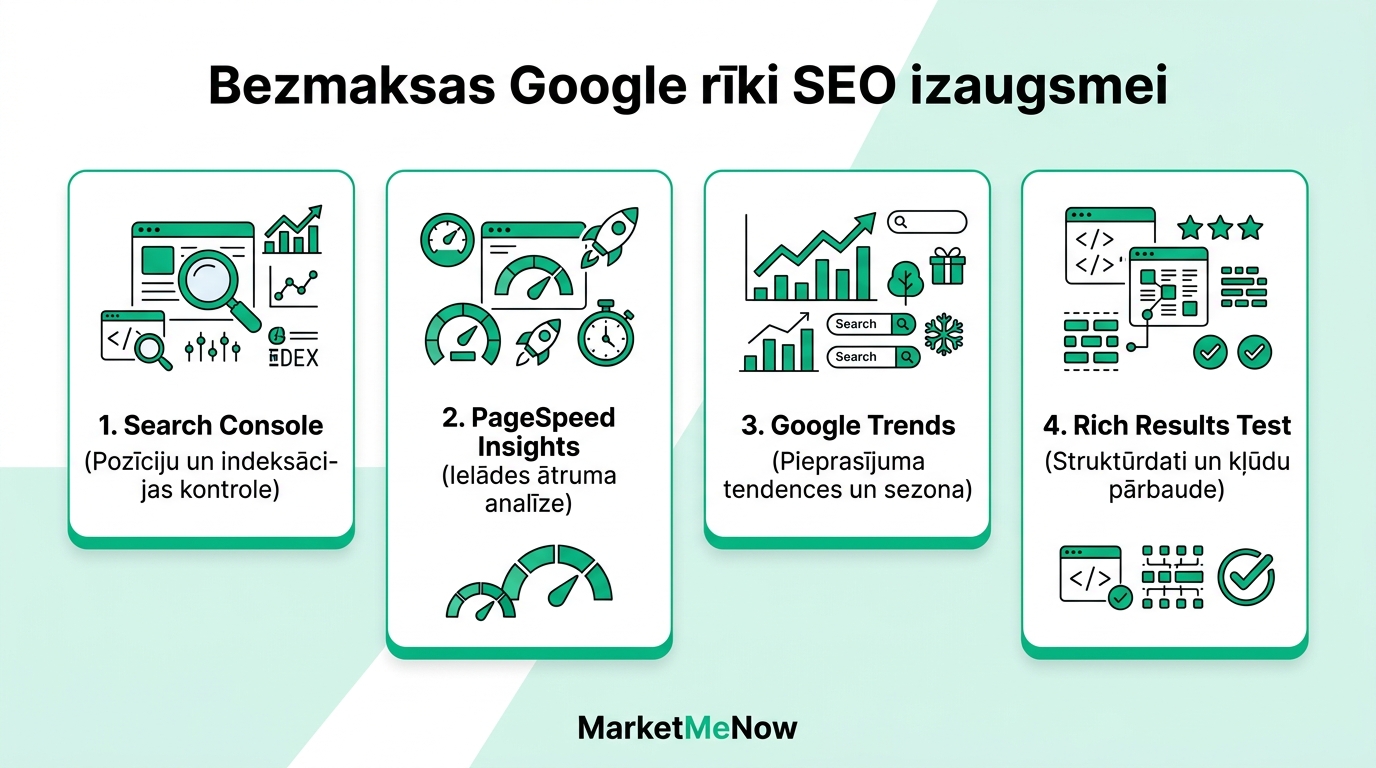
Additional free tools for deeper diagnostics
5. Google Keyword Planner. Although located within the Google Ads environment, it can be freely used for SEO purposes to determine official monthly search volumes and find new ideas for related topics.
6. Chrome DevTools & Lighthouse. Built directly into your browser. By pressing F12, you can perform an in-depth audit of site accessibility, SEO, and performance in real-time right on your computer.
7. Google Business Profile. The cornerstone of local business. Manage your company's location on Google Maps, respond to customer reviews, and publish updates to dominate local search.
Official video on Google Search Console basics
Watch this official Google Search Central guide on why Search Console is necessary for every business:
How to integrate this data into a unified growth strategy
The most important thing is not to treat the information provided by these tools as isolated numbers. If Search Console shows that a page is viewed often but clicked rarely, you need to improve its title. If PageSpeed Insights reports slow loading, it must be fixed immediately to protect your rankings.
Regular technical and content audits help maintain stable growth. Learn more about our solutions in the SEO services section or contact our experts for an in-depth site audit.
Frequently Asked Questions about free Google tools
Why do click counts in Search Console differ from Google Analytics?
Is a 100/100 PageSpeed Insights score a mandatory goal?
How often does Google Search Console update data?
Need professional site data diagnostics and SEO error fixing?
Book a 15-minute free audit call. We will check your site's status in Google Search Console and GA4.
Fixed budget. No hidden fees or forced services.