
In 2026, loading speed must fit within Doherty's 400ms threshold, where clean code and server-side caching fully outperform heavy plugins. Learn more in our Website Speed Optimization service.
Over 70% of visitors access websites from smartphones, where every extra second of loading time and touch delay means lost sales. Attempts to speed up a site by installing one cache plugin after another usually only lead to code conflicts and instability. In this guide, we look at how to perform a true performance audit and achieve lightning-fast response times without unnecessary plugins.
INP Metric: Why Google Replaced the Old FID Indicator
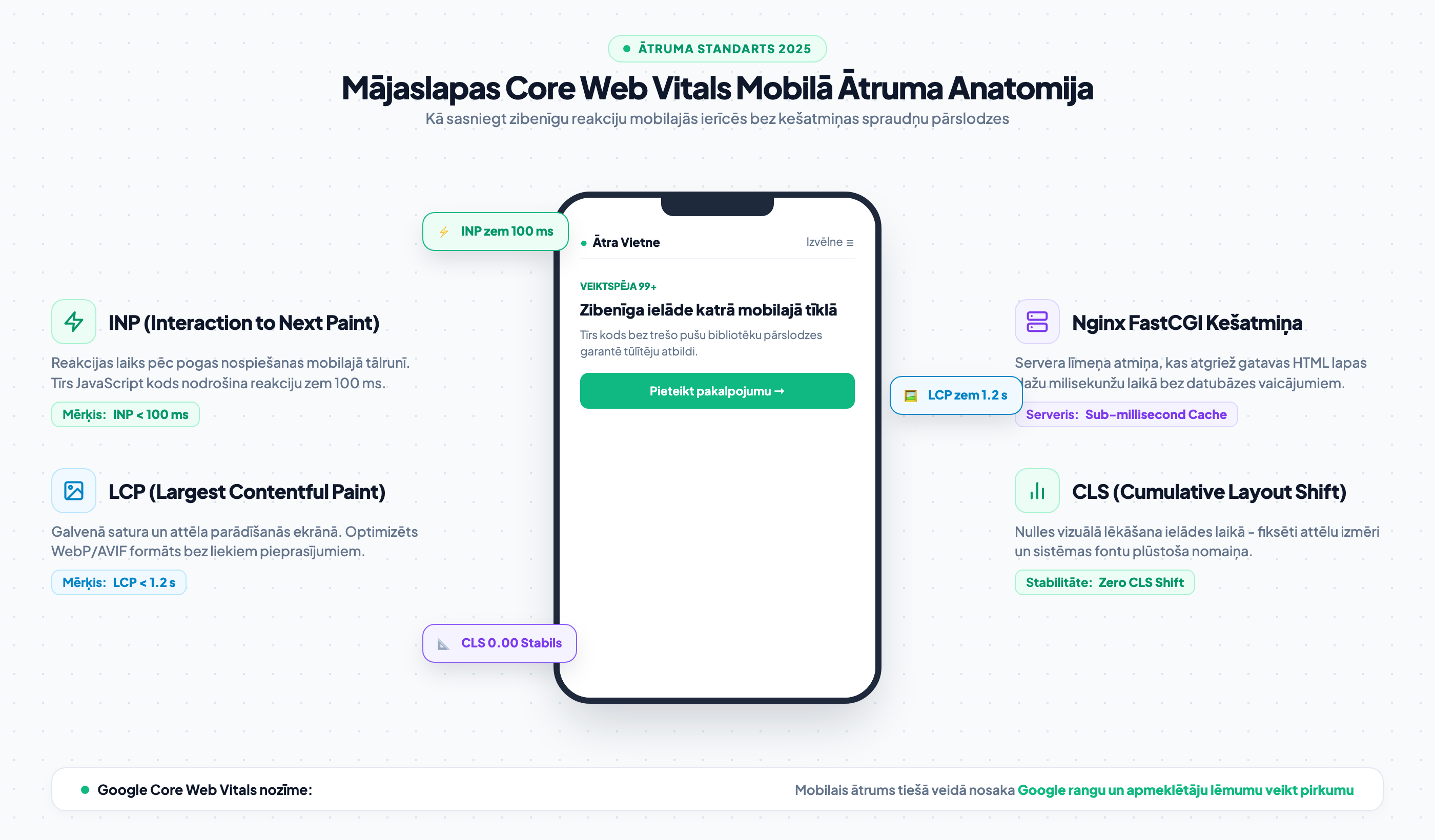
Ever since Interaction to Next Paint (INP) became the official Google Core Web Vitals metric, many visually appealing sites have suddenly lost their performance scores. FID only measured the very first reaction when opening the page, whereas INP monitors every click, scroll, and menu open throughout the entire visit.
If a visitor presses a button and the page freezes for a moment because the browser is executing heavy third-party marketing scripts at that exact time, the INP score drops. Therefore, professional speed optimization requires reducing Main Thread load rather than just hiding the problem with a superficial cache.
Why Server-Level Caching Beats Any Plugin
Traditional WordPress caching plugins operate at the PHP level. This means every request still has to trigger the web server and process code logic. In contrast, server-level configuration (such as Nginx FastCGI microcache) returns ready-made HTML content from RAM within milliseconds without straining the processor at all.
Combined with lightweight and stable website development based on Gutenberg, this architecture ensures that your website can handle thousands of concurrent visitors without the slightest lag, even during intensive advertising campaigns.

"Optimizing with multiple caching plugins simultaneously is like patching a sinking ship. True speed comes from server-level configuration and code that does not load hundreds of kilobytes of unnecessary scripts."
Best Practices for Image and Font Optimization
As we covered in detail in our guide on Google Core Web Vitals metrics, the LCP score is most frequently ruined by unoptimized cover images and external fonts. Use modern WebP and AVIF compression methods, ensuring that large images are loaded with priority (fetchpriority='high').
Meanwhile, it is recommended to store fonts locally on your server in WOFF2 format with the `font-display: swap` parameter. This prevents blank screens during loading and reduces unnecessary external DNS requests.
- PageSpeed Mobile Audit: Check site performance in mobile view - is INP under 200 ms (ideally under 100 ms)?
- Image Format: Make sure all site images are served in modern WebP or AVIF formats.
- Plugin Audit: Review the list of active plugins and remove those that perform duplicate caching functions.
Frequently Asked Questions About Core Web Vitals
Why does PageSpeed show 95+ on desktop, but only 50 on mobile?
Google's mobile test simulates a slower 4G mobile network and a mid-range processor. If the site code contains a lot of heavy JavaScript, mobile phones cannot execute it quickly, causing significant lag.
Can caching plugins harm website security?
Complex plugins with deep code manipulation often contain vulnerabilities and cause errors in dynamic processes (such as cart updates or application form submissions).
What is the ideal mobile loading time?
The goal is sub-second loading - so content becomes usable in less than one second, while button-press response does not exceed 100 milliseconds.
Conclusion and Next Steps
Mobile speed is not just a technical metric in reports, but a direct business tool. By eliminating excess code ballast and delegating caching to the server, you provide visitors with a flawless experience that turns clicks into real orders.
Want lightning-fast website loading and a green zone score in Google PageSpeed?
Schedule a 15-minute call. We will perform a detailed code and server audit, freeing your site from performance-slowing plugins and libraries.
Fixed budget. No hidden fees or forced add-on services.