
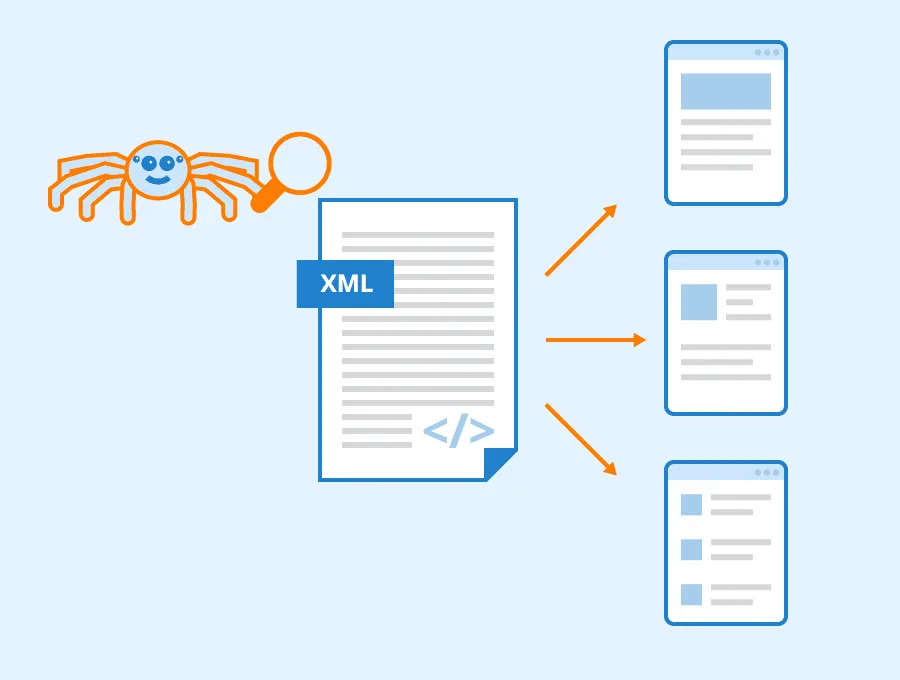
This is the 2nd lesson of the MarketMeNow 6-part SEO course on On-Page optimization. Today, site content structure, H1/H2 heading clarity, and entity recognition are more important than ever with the rise of AI search. Learn more about our SEO services.
In the first article of our SEO course, we explored how the Google search engine works, how it discovers websites and their sections, and how they are indexed and displayed in search results. We also touched upon "Crawling," performed by Googlebot or specialized software. We covered the fundamental directions and factors to focus on to make your website more friendly to Googlebot. In this article, we will take a closer look at several factors you need to work on to further appeal to the search engine and simplify the SEO optimization process from the ground up.
On-Page SEO encompasses all content and structural elements on your site: precise Title tags, H1-H3 heading logic, image ALT descriptions, and high-quality body text that answers user intent. A well-organized site structure helps the search engine instantly understand what the page is about and assign it a higher ranking.
Meta tags and the Robots.txt file
We have often encountered situations where website creators themselves have blocked the search engine from accessing their site. If you suspect that your website is not being indexed at all or only partially, it is worth performing a full website SEO audit and checking your Meta tags and Robots.txt file. There are several commands in Meta tags and the Robots.txt file that can restrict access to your site or its sections, so let us take a look at them.
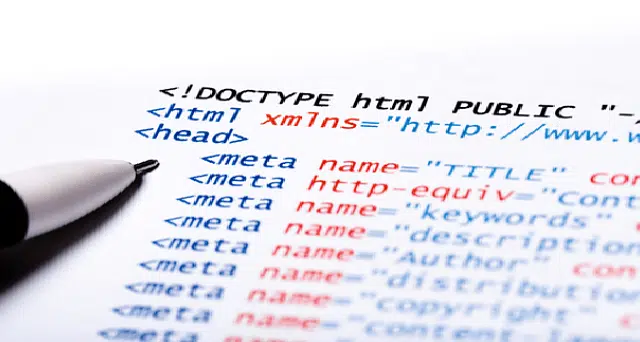
Excluding a website from indexing with a robots meta tag
If your website contains the following tag, there is no way for any robots, including Googlebot, to access your site and index its content. It is a command that simply prevents it from the very beginning:
<meta name="robots" content="noindex" />Nofollow links
If the links on your website have the tag shown below, Googlebot will see the link but will not follow it, as that is the command given ("nofollow").
There are two types of nofollow commands, one for the entire website content:
<meta name="robots" content="nofollow">and one for a specific link:
href="pagename.html" rel="nofollow"/>You may need to use these commands. Most often, website owners use the second command for outbound links where they do not wish to pass authority to the linked pages (either to protect their own website's SEO strength).
Blocking a website using the Robots.txt file
The Robots.txt file is the first thing robots look at when accessing a website. Therefore, if specific restrictions for robots are indicated there, they will respect them and may not view or index the website:
User-agent: *
Disallow: /
This command means that all robots (denoted by *) are denied access to the website content, everything after the / (the domain's main page) (Disallow: /).
User-agent: *
Disallow: /products/
In this case, all pages located in the /products/ folder will be blocked. This technique is often used to hide content from search engines that you do not wish to make public and which can only be found via specific links (user profiles, other sensitive information, etc.).
Internal linking issues
If internal links do not work, it is always a problem - you must either have a redirect to a working page or remove the link. Broken links bother website visitors and are also disliked by Googlebot. Another argument: Googlebot has limited time for each website, and if it has to spend time checking broken links, that time is wasted.
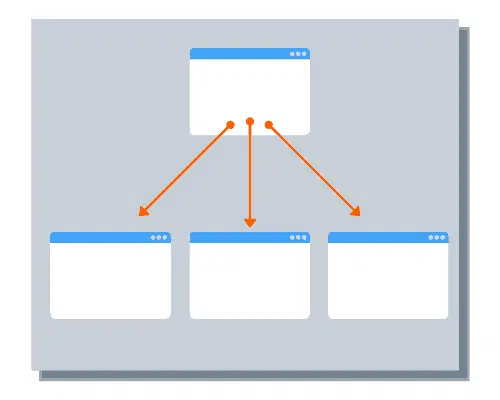
URL errors
These often occur due to incorrectly entering a URL, cutting off a part, losing it during copying, etc. Therefore, it is always recommended to check a link after creating it by clicking on it yourself.
Outdated URLs
If links are created to other websites, their content is usually not controlled, so their sections may be changed, deleted, edited, or URL addresses may be altered. As a result, a link on your website may stop working unless the owner of the other site has set up a redirect. It is advisable to perform regular link monitoring with the help of SEO tools, which will point out problems with links if they suddenly arise.
Pages with restricted access
It may happen that a link returns a 403 error, which means the page might be restricted, for example, to registered users only. It is better to change these links to nofollow links so as not to waste robot resources.
Server-related issues

Server errors
5xx series errors (e.g., 503 error) can indicate server problems where the website or a section loads slowly or does not load at all. In such a case, you should ask your web development (or server) company for help to resolve the server-related issues. These can be technical website problems, server configuration issues, or attacks on the website.
Limited server capacity
It is possible that when the website was created, the server capacity allowed it to be used fully without problems, but over time, the website has filled up with new content, images, and files, exhausting the server's capacity. In such cases, you must reconfigure the server, upgrade to a higher payment plan, or change the server entirely. Your server service provider or the web development company responsible for maintaining the website will provide assistance here.
Incorrect web server settings
This can be a more complex issue. The website may be perfectly visible to visitors but throw errors for robots, making all sections inaccessible for crawling. This can happen due to various server configurations: different firewalls (e.g., Apache mod_security) might block Googlebot and other search bots by default. In short, this problem and all its related aspects must be solved by a web development specialist.
Sitemap issues
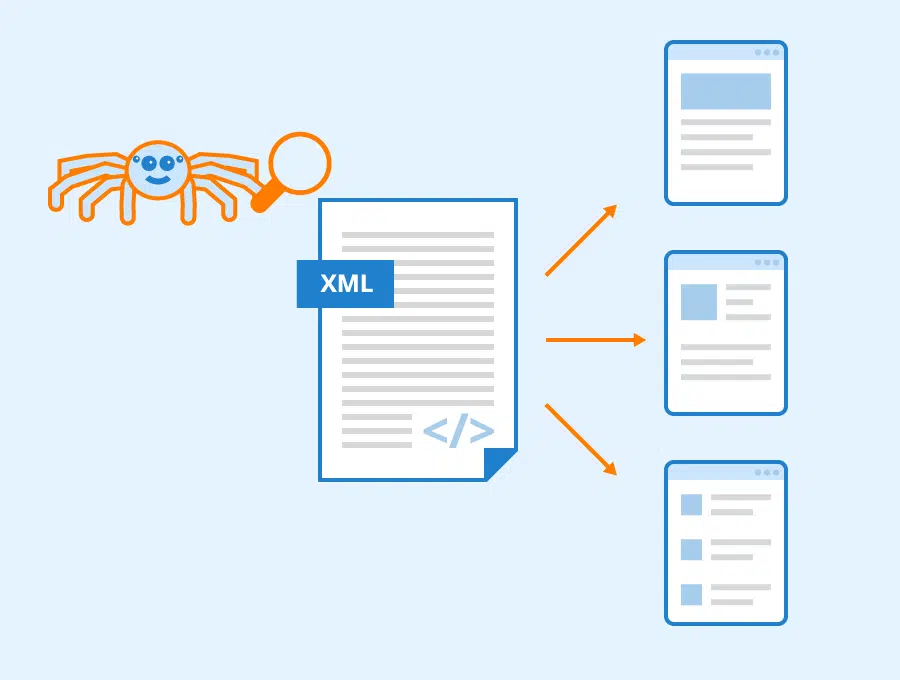
Formatting errors
There are several types of formatting errors, such as an invalid URL or missing tags (find the full list with solutions for each error here).
You may have also realized (from the first step) that the sitemap file is blocked by robots.txt. This means that bots cannot access the content of your sitemap.
Incorrect sections in the sitemap
You do not need to be a web development specialist to check how correct your sitemap is. Check if all sections in it are correct, if all URLs are displayed properly, if new content is visible, and everything you want the search engine to find. Often, sitemap errors are reported by Google Search Console itself, so you should check it from time to time to see if there are any errors.
Website architecture errors
This is the most complex section to solve, so you should tackle it only after everything mentioned above has been checked and fixed.

Internal linking issues
Various subsequent problems can be identified with the help of different SEO tools:
- A section is not connected to any other part of the website, so it does not appear in the index.
- A section is located too far from the main page, so Googlebot does not reach it. It is recommended to have no more than 4 levels of links (e.g., 4 levels of subcategories).
- Too many outbound links in a section. If a page has thousands of outbound links, Googlebot may have trouble reading them all.
- Links are hidden under various solutions - Java, Flash, so they are not read.
Incorrect redirects
Redirects are generally valuable because they allow you to send a visitor from one website section to another. This is especially important in cases where a link to a section is placed on various external resources and can no longer be changed. Accordingly, by creating a redirect, the user is seamlessly moved to the current section.
However, sometimes redirects can harm your SEO optimization:
- 302 or 307 redirects make the Google robot visit the specific page again and again, which consumes resources. Therefore, if it is clear that the existing page is being redirected permanently, you should use a 301 redirect, which tells the robot that it is a permanent redirect and the old page should no longer be visited. The mentioned 302 or 307 redirects can be used if the redirect is temporary.
- A redirect loop is when one page redirects to another and that one back again, resulting in an infinite redirect that never ends and unnecessarily wastes robot resources. Unfortunately, such loops are a fairly common occurrence.
Slow loading speed
As mentioned earlier, the loading speed of the website and its sections can directly determine the success of their indexing. Websites and sections must load quickly, and this can be checked with the Google Page Speed tool. Problems can be many and varied - image optimization, overly heavy page code, unoptimized design, etc. It will likely be difficult to handle this on your own, so you should call in a web development specialist. Unfortunately, many web development agencies offer poorly optimized websites from the start; you must choose your website developer and maintainer carefully, look for reviews, ask for a portfolio, and check the speed of the pages they have developed.
Duplicate content
Often, indexing problems arise due to duplicate content. If a website has several sections on the same topic, the Google robot may consider that there is already one page on the topic and may not index the real one or index it lower. Therefore, you must carefully monitor the content on your website. For e-commerce projects, such problems often arise due to technical solutions - multiple pages in a product category (1, 2, 3, 4... 154 - pagination). Product pages can be displayed with different search filters - the page is the same, but the URL is different, which in Google's eyes will be duplicate content.
To avoid this:
- Delete duplicate pages - repeated blog posts, news, accidentally duplicated pages.
- Configure the robots.txt file so that duplicate content is not indexed.
- Meta tag settings that do not index duplicate content.
- 301 redirects.
- Use of the rel=canonical tag (this tells the robot that this page is a copy of the main page).
Incorrect use of Javascript and CSS
Back in 2015, Google officially stated: "As long as you don't block Googlebot from crawling your JavaScript or CSS files, we are generally able to render and understand your web pages like modern browsers." This does not apply to other search engines (Yahoo, Bing, Yandex, etc.). Moreover, the word "generally" means that in some cases, correct indexing is not guaranteed.
Old web design technologies
Flash content
Flash is an outdated technology and is not supported on some mobile devices. Links included in Flash content are not subject to indexing, and the content is not read, which negatively affects the SEO optimization process.
HTML frames
If your website has so-called frames, it is both good and bad news. It is good because it might mean your website is sufficiently serious. It is bad because HTML frames are extremely outdated, are indexed poorly, and you should replace them with a more modern solution as soon as possible.
Frequently Asked Questions about On-Page SEO
What is the biggest mistake in setting up On-Page SEO?
The biggest mistake is keyword stuffing and trying to optimize a single page for dozens of incompatible topics. Each page should be dedicated to one clear core service.
How long should an optimal service page be to achieve top positions?
The content length should be sufficient to fully answer the user's question. For service pages, an optimal volume is 500-1000 words with clear tables and pricing.
How to correctly use H1, H2, and H3 headings in text?
Each page should have only one H1 heading with the main keyword, while H2 and H3 are used for structuring subtopics and frequently asked questions.
Want to professionally organize your website content and On-Page elements?
Book a 15-minute strategy call. We will help you create a clear content and keyword plan.
Fixed budget. No hidden extra fees or forced services.