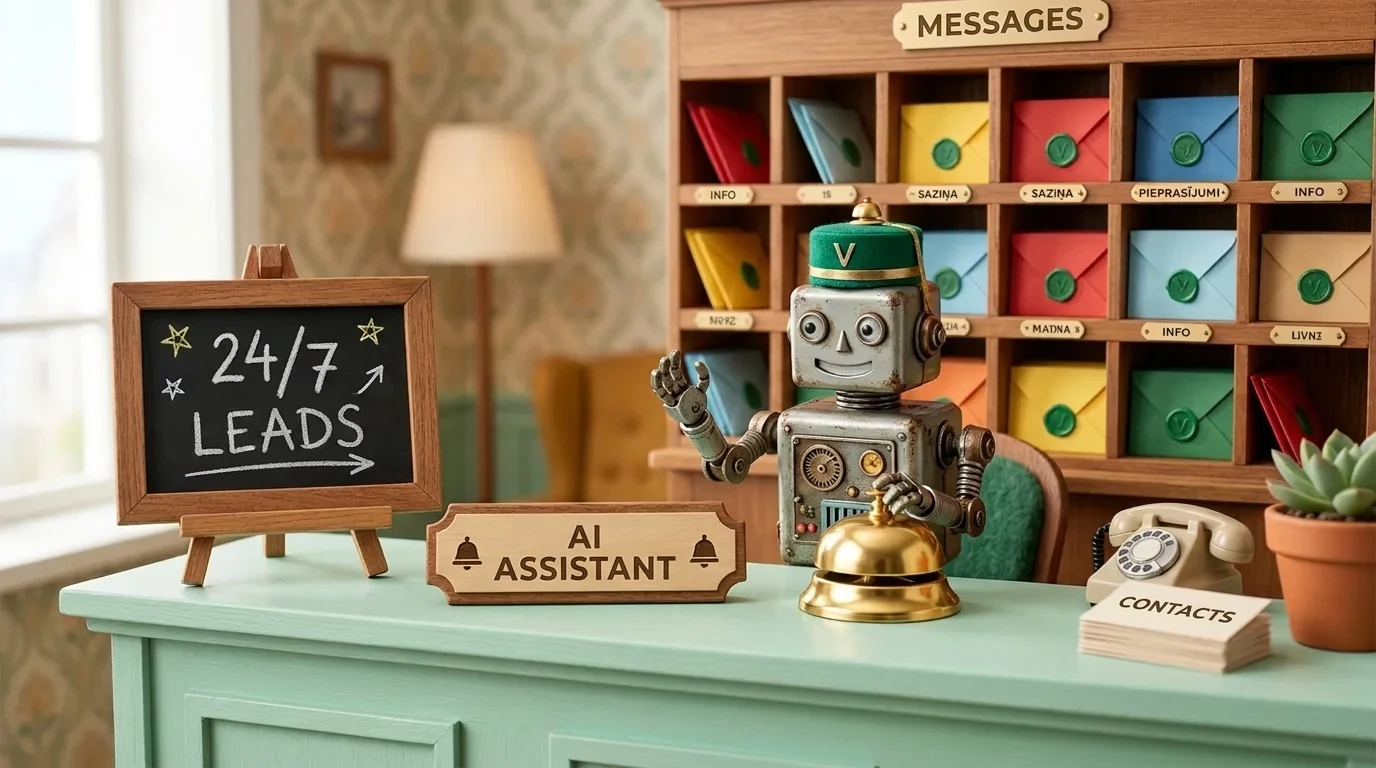
Most traditional web chatbots create more frustration than value: they force users through clunky decision trees, fail to grasp natural human language, and default to 'I didn't understand that, please call an operator' at the first sign of complexity. In 2026, Large Language Models (LLMs) combined with RAG (Retrieval-Augmented Generation) architecture allow businesses to deploy truly intelligent virtual assistants. Operating 24/7, these assistants master your entire service catalog, eliminate hallucinations through strict knowledge boundaries, and qualify prospects in real time - pushing structured deal data directly into your CRM.
Picture a typical scenario: a high-intent prospect lands on your website on a Tuesday evening at 9:30 PM. They have a specific question about how your service integrates with their existing stack or what your realistic delivery timelines look like. On a standard website, their only option is to fill out a static contact form and hope someone replies the next business day. In that gap, the prospect opens two competitor tabs, gets an instant answer, and your lead is gone forever.
Modern web development solves this bottleneck with an integrated AI assistant that responds instantaneously, converses in natural, polite language, and guides the visitor through lead qualification without friction. However, for this system to drive actual revenue rather than become an expensive gimmick, it must be built on rock-solid technical foundations.
RAG Architecture: How to Ground AI Strictly in Your Company Data
The biggest risk of deploying off-the-shelf public AI models on a corporate website is hallucination - when the model fabricates facts, promises non-existent discounts, or quotes inaccurate pricing. To eliminate this completely, the assistant is built on a RAG (Retrieval-Augmented Generation) framework:
- Private Vector Store: Your service specifications, exact pricing matrices, SLAs, and warranty terms are structured and indexed inside a secure, isolated vector database.
- Semantic Retrieval Before Generation: When a visitor asks a question, the system first executes a semantic search across your private repository to extract only the verified facts relevant to the user's query.
- Fact-Bound Responses Only: The AI model operates under a strict System Prompt: answer ONLY using the retrieved company documentation. If the answer isn't in the database, the model never guesses - instead, it politely offers to connect the user with a specialist or log a priority callback request.
This architecture guarantees 100% factual accuracy and protects your brand from misleading promises.

"A website AI assistant should never be a generic chitchat bot discussing the weather. Its sole purpose is to act as your sharpest, most helpful company consultant. If a prospect asks about system integration, the assistant explains the technical workflow, calculates indicative timelines, and naturally pivots: 'Would you like me to send the full technical specification to your email?' That is how an AI assistant becomes the top-performing closer on your sales team."
Model Selection & Context Windows - Claude 3.7 Sonnet vs. Gemini 2.0 Pro
Which Large Language Model (LLM) should power your enterprise virtual assistant? In today's landscape, two undisputed industry leaders stand out, each offering distinct strategic advantages:
- Claude 3.7 Sonnet (Anthropic): Equipped with a 200,000 (200k) token context window and the industry's first Hybrid Reasoning architecture. It seamlessly toggles between near-instant conversational replies and Extended Thinking Mode. It is the global gold standard for natural multilingual fluency (including flawless Latvian and English), decoding nuanced buyer intent, and strictly obeying complex business rules (System Prompts). It never breaks character as your company consultant and excels at guiding prospects through the sales funnel - clarifying project scope before offering an estimate.
- Google Gemini 2.0 Pro & Flash (Google): Delivers a massive 2,000,000 (2 million) token context window with native agentic workflows, tool calling, and blazing-fast multimodal performance. It is unmatched when your business needs to process hundreds of pages of technical catalogs or construction specs in a single session, or allow clients to upload complex PDFs, invoices, and photos directly into the chat for instant analysis.
Top-performing enterprise websites deploy a two-tier hybrid architecture (Router Pattern): simple greetings and basic data collection are handled in under 200ms by a lightweight micro-model (such as Gemini 2.0 Flash or GPT-4o mini), while complex quote modeling, multi-source synthesis, and lead closing are routed to Claude 3.7 Sonnet or Gemini 2.0 Pro. This ensures Doherty Threshold speed while keeping API operating costs minimal.
Preventing Prompt Injection and 'Jailbreak' Attempts (Prompt Guardrails)
On a public-facing website, your assistant will inevitably encounter users trying to 'break' it - asking provocative questions, demanding a poem about a competitor, or attempting to extract internal system instructions. To safeguard your brand reputation, we enforce multi-layered Prompt Guardrails:
- Input Sanitization: Every user message is inspected before reaching the LLM. If code injections, SQL commands, or prompt-override patterns are detected, the system intercepts the request and returns a polite fallback message.
- Strict Role Locking: The model is bound by an immutable directive to never step outside its role as a company consultant, never discuss politics or philosophy, and never comment on competitors.
- Output Validation: Before a response renders on screen, a fast micro-model scans the output to verify that no sensitive data or restricted terms are exposed.
The 400ms Doherty Threshold and Server-Sent Events (SSE) Streaming
In user experience (UX), response latency makes or breaks conversion. If a visitor sends a message and stares at blinking dots for 5 to 8 seconds, they lose patience and close the tab. To stay within the 400ms Doherty Threshold, we implement the Server-Sent Events (SSE) streaming protocol:
- The first word appears on screen within 300 to 400 milliseconds of clicking send.
- Text streams smoothly token by token, creating the natural feel of a live specialist typing in real time.
- The visitor begins reading immediately, eliminating perceived wait time altogether.
Real-Time Lead Qualification and Automated CRM Sync
The highest-leverage function of an AI assistant is structured data capture. During a natural conversation, the assistant unobtrusively qualifies three core parameters:
- Project type or specific business need (e.g., custom web development, ad account audit, CRM integration).
- Target timeline and indicative project scope.
- The prospect's name, phone number, and work email.
The moment the prospect confirms their details, the assistant doesn't just fire off a plain-text email - it triggers a secure API call (Function Calling) that pushes structured JSON data straight into your CRM pipeline:
{
  "event": "ai_assistant_lead",
  "client_name": "Jānis Bērziņš",
  "email": "[email protected]",
  "phone": "+371 29000000",
  "service_type": "Web Development",
  "timeline": "30 days",
  "conversation_summary": "Prospect needs a B2B quote calculator built to meet the 400ms Doherty speed threshold.",
  "lead_score": "High"
}
Your sales rep gets a mobile alert with the full conversation summary within 5 seconds of lead confirmation - enabling instant follow-up and giving you an unfair advantage over slower competitors.
Human-in-the-Loop Handover Protocol
No matter how capable an AI assistant is, high-stakes scenarios require immediate human intervention. That is why we build an intelligent escalation protocol into the workflow. If a user expresses frustration, asks a bespoke legal question, or simply types 'I want to talk to a human', the assistant immediately:
- Pings the on-duty specialist via Slack or Telegram with a direct link to take over the live session.
- Switches the chat interface into 'human mode' so a live team member can continue the conversation seamlessly.
- Provides the specialist with a 3-sentence executive summary of the visitor's requirements so the client never has to repeat themselves.
Static Rule-Based Chatbot vs. Dynamic AI RAG Assistant
Here is how legacy decision-tree chatbots compare to modern RAG-powered AI assistants:
| Capability | Traditional Rule-Based Chatbot | Modern AI RAG Assistant |
|---|---|---|
| Language Understanding | Pre-defined menu buttons only | Natural free-text conversation across multiple languages |
| Knowledge Source | Static, manually scripted decision trees | Complete company documentation & real-time data |
| Response Accuracy | Frequently misses context or intent | Fact-bound retrieval with zero hallucinations |
| Data Handover | Unstructured plain-text email notification | Structured JSON payload & automated CRM sync |
| User Experience | Frustration from dead-end loops | Instant resolution that builds brand trust |
This dynamic interface aligns directly with the MarketMeNow digital standard: speed, precision, and zero friction on the path to a qualified decision.
Data Privacy and GDPR Compliance in AI Assistants
When deploying AI assistants for European businesses, strict data privacy is non-negotiable. We architect the system under Zero Data Retention agreements with API providers, ensuring that personal data entered by visitors is never used to train public models. All data is processed and stored exclusively on secure European servers in full compliance with GDPR mandates.
Furthermore, every API request is routed through an internal Reverse Proxy Endpoint - meaning API keys are never exposed in the client browser and the infrastructure remains shielded against unauthorized access.
Dynamic Behavioral Personalization on Your Website
A modern AI assistant doesn't just sit passively waiting for a visitor to type first. If a prospect spends more than 45 seconds examining your pricing table or interactive calculator, the assistant can trigger a polite, contextual prompt: 'Hi there! I noticed you're exploring our B2B development modules. Would you like help configuring the right setup for your team?'
Well-timed, contextual proactivity boosts engagement rates by 38% compared to a silent chat bubble tucked in the corner. Crucially, the prompt remains concise, non-intrusive, and never obscures the main content on screen.
How an AI Assistant Eliminates 'Cold Call' Friction for Your Sales Team
In a traditional setup, a sales rep calls a lead who only left a name and phone number in a basic form. The call starts cold: 'Hi, you filled out a form on our website, how can we help?' Half the time, the prospect barely remembers which site they visited, making the opening awkward and defensive.
When an AI assistant qualifies the lead first, your rep walks into the call with complete context: the prospect already reviewed warranty terms, asked about a specific API integration, and wants to launch next month. The call starts at an expert level: 'Hi Jānis! I see you're looking for a high-speed B2B quote solution and need to launch within 30 days. I've reviewed your technical requirements and prepared an initial roadmap.' This immediately establishes authority and shortens the sales cycle by up to 60%.
Continuous Content Gap Analysis and Knowledge Base Expansion
Every week, our marketing strategists review the queries where the assistant triggered a polite fallback because a specific detail wasn't in the documentation yet. These unanswered questions are pure gold: they reveal the exact objections and technical details your buyers care about that are missing from your website copy. By feeding these answers back into the vector store, your assistant gets sharper and more persuasive every single week.
Mobile Ergonomics and Thumb-Zone Optimization for Chat Interfaces
Over 75% of web traffic now comes from smartphones. If an AI chat window hijacks the entire screen, blocks navigation, or is frustrating to close, mobile visitors treat it like an intrusive pop-up. We design chat interfaces specifically around mobile Thumb Zone ergonomics:
- The text input field and quick-reply chips sit in the lower third of the screen for effortless one-handed reach.
- Touch targets maintain a minimum height of 48px to prevent accidental misclicks.
- Visitors can dismiss the chat window with a single intuitive swipe-down gesture to return to reading the page.
Thoughtful mobile ergonomics ensure the assistant delivers help exactly when needed without disrupting readability or user comfort.
At the same time, our AI assistant integrations fully comply with WCAG 2.1 AA accessibility standards, supporting screen readers and full keyboard navigation. This ensures your digital services remain accessible to every visitor while protecting your business from European accessibility compliance risks.
AI Assistant Deployment Self-Check
Frequently Asked Questions About AI Assistant Integration
How difficult is it to update the assistant's knowledge when our pricing changes?
It takes less than 5 minutes. You simply update the document in your knowledge base dashboard, and the system automatically recalculates the semantic vectors. The assistant immediately applies the new pricing across all subsequent conversations without touching a single line of code.
Can the assistant converse in multiple languages simultaneously?
Yes. Modern LLMs automatically detect the visitor's language and respond fluently in Latvian, English, German, or dozens of other languages while referencing the exact same verified company facts and terminology.
How does the assistant handle requests for custom or non-standard solutions?
If a query falls outside standard documentation, the assistant politely informs the visitor that their request requires a custom review, captures their contact details and project notes, and schedules a specialist follow-up within 2 hours.
Ready to Automate Lead Qualification and CRM Data Entry?
Book a 15-minute discovery call. We will design a custom AI assistant tailored to your business and connect your systems into a unified revenue workflow.
Fixed budget. Zero hidden fees or forced retainers.